Error & Home Pages
Error and home pages are reserved templates — they use fixed, system-defined slugs rather than slugs provided by the user, so they behave differently from regular page templates.
Home Page
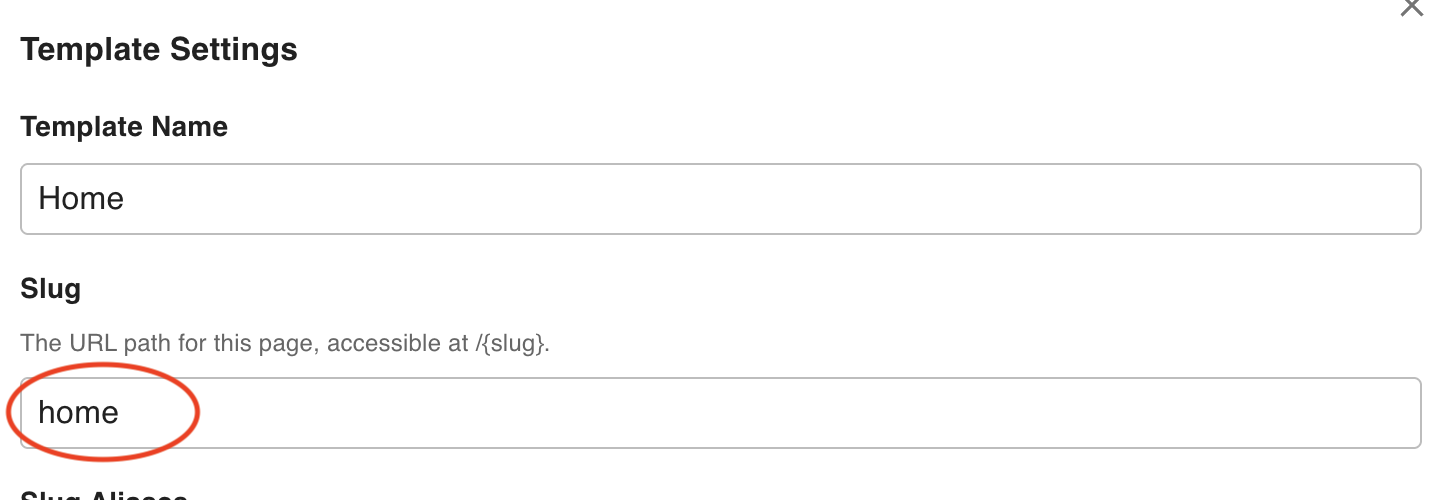
The editor recognizes a template as the site home page when its slug is exactly home. When a visitor accesses the root URL (https://[domain]/ with no path), the editor renders this template.
To set a template as the home page, open its Template Settings and set the slug to home.
Error Pages
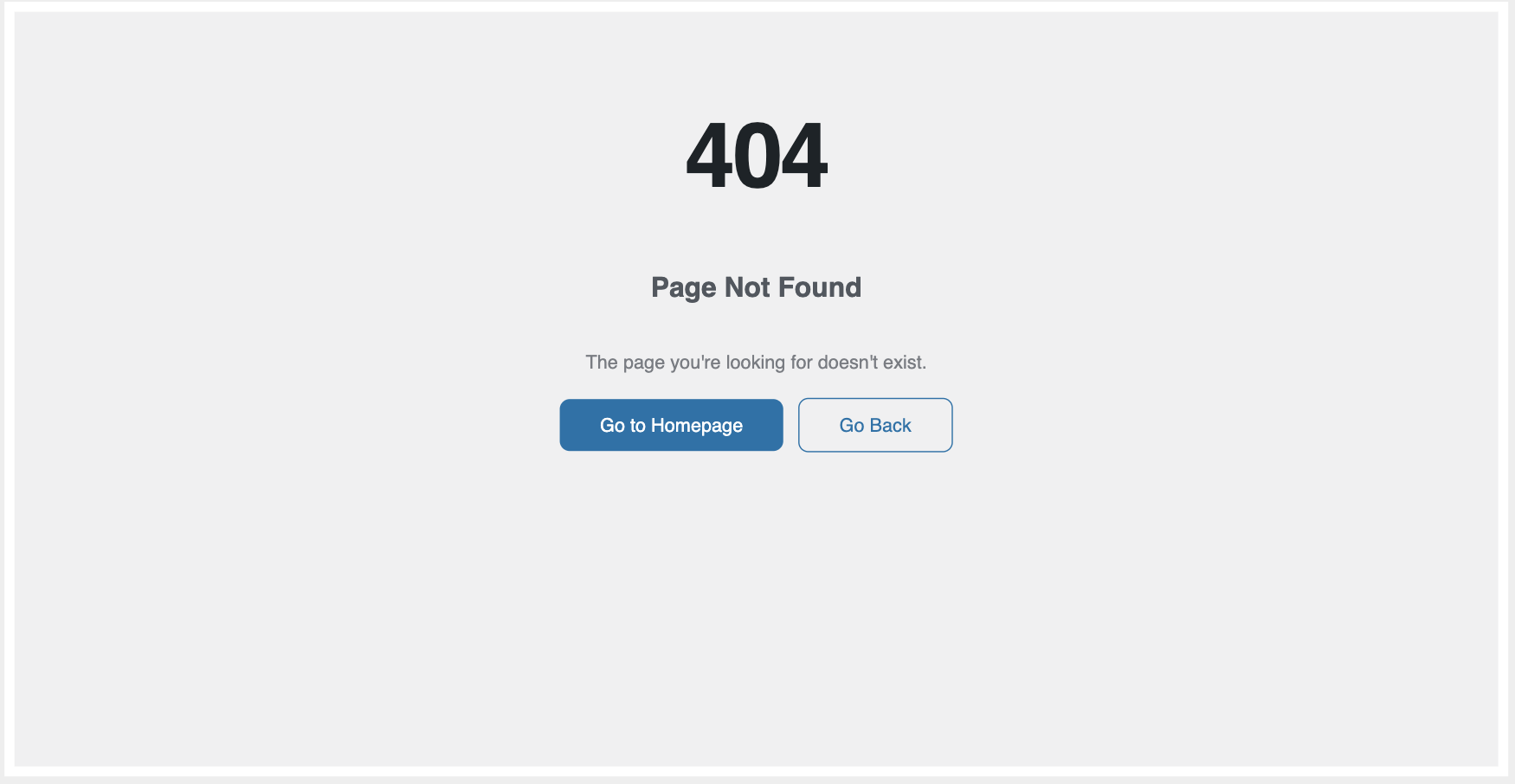
When a page request cannot be fulfilled — because the slug is not found, the template is not in a visible status, or an internal error occurs — the editor falls back to a dedicated error template based on the failure type.
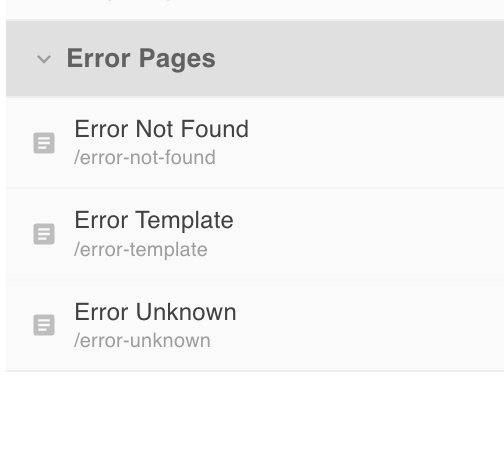
There are three error templates:
| Slug | Triggered when |
|---|---|
error-not-found | The requested slug does not match any published template, or the template's status is not visible (404) |
error-template | The template's stored JSON is invalid and cannot be rendered (500) |
error-unknown | An unexpected server-side error occurs during template processing (500) |
Error page slugs are fixed — you cannot rename them after creation. If you need to replace an error page, delete it and create a new one with the same slug.
Error pages appear in the Left Nav alongside regular templates, grouped by their reserved slugs.
Default Error Pages
When you initialize the editor via the CLI:
npx @rnaga/wp-next-cli -- initEditor
Default error page templates are created automatically for all three error slugs. You can edit their content like any other template, but their slugs remain locked.