Admin Dashboard
WP-Next Admin Dashboard is a headless CMS that replaces the traditional WordPress admin UI. Built with React, Next.js, and Material UI, it reads and writes directly to the WordPress database — no PHP layer required.
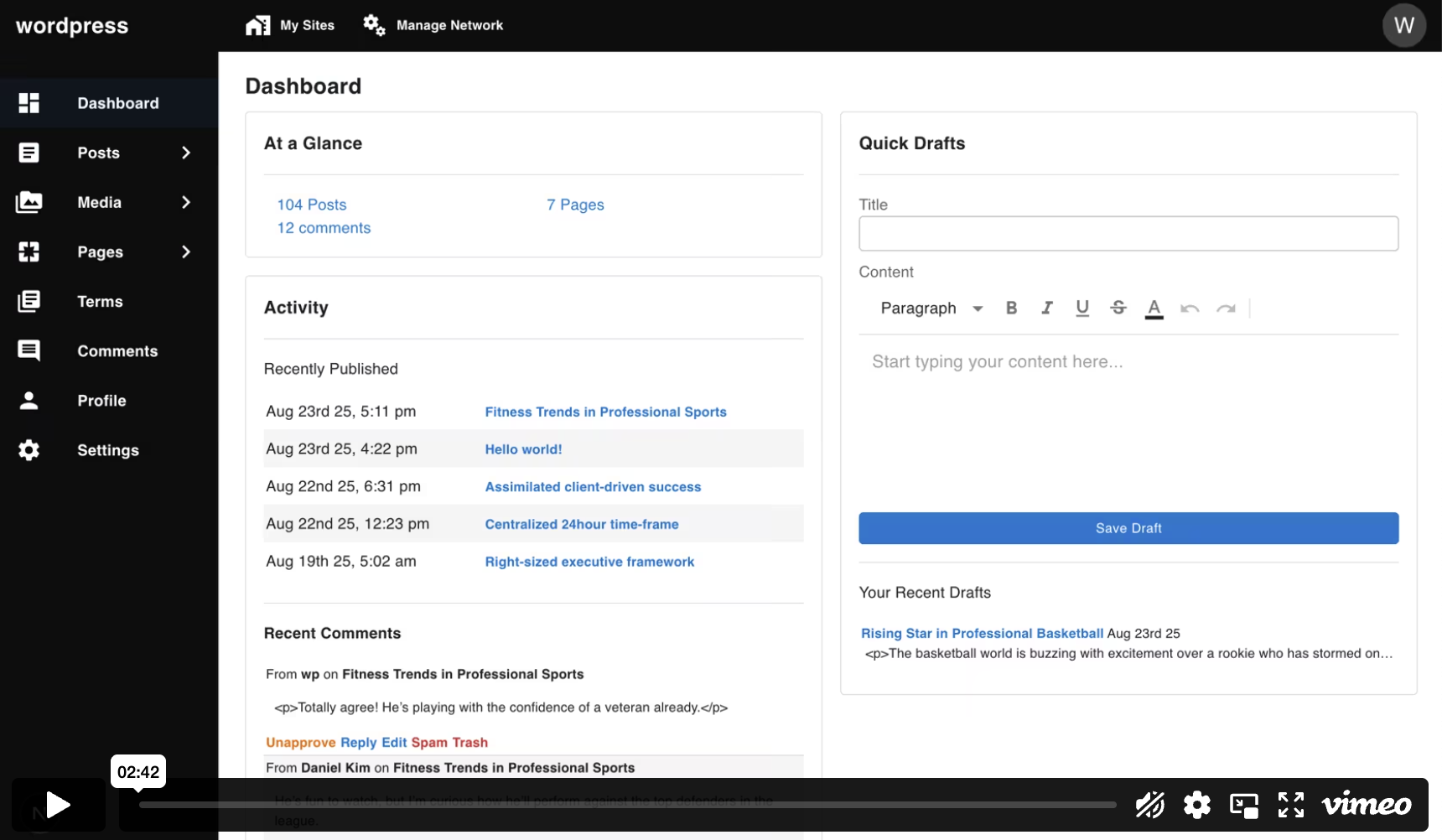
Quick demo
Run a ready-made WP‑Next example using Docker:
docker run --rm --init -it --name wp-next-example -p 3000:3000 -v wp-next-example_public:/app/admin/public -v wp-next-example_db:/var/lib/mysql -v wp-next-example_html:/app/html rnagat/wp-next-example:latest
Visit http://localhost:3000/admin and sign in with:
Username: wp
Password: wp
Features
The Admin Dashboard covers the full range of WordPress content management:
- Posts & Pages — create, edit, and manage posts, pages, and custom post types
- Media — upload and manage media files
- Comments — moderate and manage comments
- Revisions — view and restore previous versions of content
- Terms — manage categories, tags, and custom taxonomies
- Users & Roles — manage user accounts, roles, and capabilities
- Settings — configure site-wide options
- Multisite — manage sites and blogs in a WordPress multisite network
What's not supported
Since WP-Next is entirely written in TypeScript and React, some WordPress features are not supported, including:
- Themes and appearance settings (e.g., updating styling)
- WordPress Block Editor (Gutenberg)
- WordPress template rendering or theming APIs
- WordPress plugins
Next steps
- Installation — initialize a new Admin Dashboard project
- Configuration — configure environment variables and
wp.json - Hooks — extend the Admin Dashboard with frontend and backend hooks